Exit build mode, dig normal ground with the shovel, then equip the seed from your tool wheel.
Build mode treats the seed as an object to place. Normal crop seeds also do not go into the raised herb-garden planters.
Plant a normal crop
Moonlight Peaks uses the shovel to prepare crop ground instead of the separate hoe many farming games use.
1
Leave the building interface
Open the normal inventory. If the seed says Place, you are still in the decoration/building workflow.
2
Equip the shovel
Use it on an ordinary patch of grass or soil to create a plantable tile.
3
Put the seed on the toolbar or tool wheel
Assign the seed as an equipped item, then select it from the wheel.
4
Plant on the dug tile
The seed should now use the farming action instead of the placement action.
5
Water the crop
Keep the soil watered while it grows.
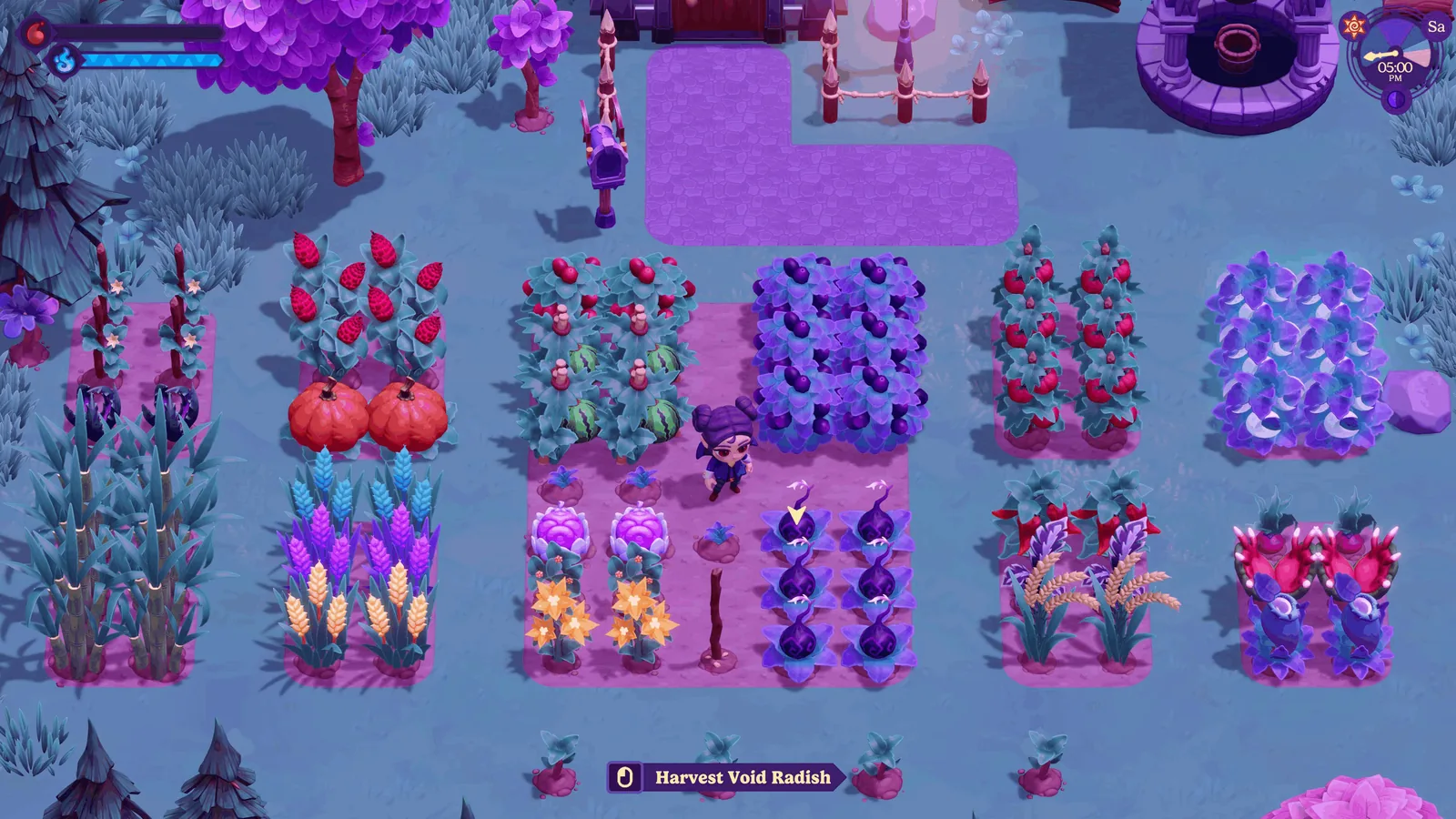
Normal crops and herb gardens are different
Normal crops
- Prepare ordinary ground with the shovel.
- Equip the seed through the toolbar.
- Plant directly on the prepared tile.
- Water after planting.
Herbs
- The raised garden is for herb-type seeds.
- Regular crop seeds will not work there.
- Check the seed type before treating the planter as bugged.
Match what you see
The seed only says “Place”
Cause: build mode is open. Fix: leave build mode and assign the seed to the normal toolbar.
Nothing happens at the raised planter
Cause: a normal crop seed is being used in an herb garden. Fix: dig ordinary ground with the shovel.
The seed is in inventory but cannot be planted
Fix: assign it to the active toolbar/tool wheel, equip it, then face the prepared tile.
You cannot find a hoe
Moonlight Peaks uses the shovel to prepare crop ground. You are not missing an early-game hoe.
Rain bug: if an old save still behaves strangely during rain, update the PC version. The rainy-night crop-growth issue was fixed in patch 1.1.44.